Once paired with an iPhone, the Fitness app abandons phone sensors and depends entirely on the Apple Watch for activity tracking. For iPhone-only fitness monitoring when leaving your watch behind, temporarily unpair the device or use third-party fitness applications.
The Apple Watch Fitness Tracking Problem
This frustrating behavior affects thousands of Apple Watch users across Reddit, Apple Support threads, and forums.
Before Apple Watch: iPhone Fitness Tracking Works Fine
Before pairing an Apple Watch, your iPhone's Fitness app uses built-in sensors to track:
- Steps taken
- Flights climbed
- Distance walked/run
- Active calories burned
- Move ring progress
Basic activity monitoring functions reliably without a dedicated tracker.
After Apple Watch: iPhone Becomes Dependent
Upon pairing an Apple Watch, the Fitness app fundamentally changes behavior. It stops using phone sensors and becomes completely dependent on the Apple Watch for all activity data.
Watch at home = No activity tracking
Your rings may close based on tracking methods, though some metrics might seem inaccurate.
Why Does Apple Do This?
Apple's technical reasoning:
- Accuracy: Apple Watch provides more precise fitness tracking than iPhone sensors alone
- Consistency: One primary data source prevents conflicting or duplicate readings
- Seamless Experience: When both devices exist, the watch handles fitness while the phone manages other tasks
However, this creates significant user experience problems when you cannot or prefer not to wear your watch.
Solutions: How to Track Fitness Without Your Apple Watch
Option 1: Temporarily Unpair Your Apple Watch
Steps to unpair:
- Open the Watch app on your iPhone
- Tap "All Watches" at the top
- Tap the "i" icon next to your watch
- Select "Unpair Apple Watch" (in red text)
- Choose whether to keep your cellular plan (if applicable)
- Confirm the unpairing
Option 2: Use Alternative Fitness Apps
Unfortunately, most third-party fitness apps integrating with Apple Health face identical limitations—they rely on the same data sources as Apple's Fitness app. However, some apps track certain activities independently:
- Strava: Tracks runs and rides using iPhone GPS when you manually start a workout
- Nike Run Club: Uses iPhone GPS for running tracking
- Step counting apps: Some can access iPhone's step data directly
- Manual workout logging: Apps like Strong or Hevy for gym workouts
These aren't perfect activity tracking replacements, but they maintain some fitness data when your watch isn't available.
The Reality Is… There's No Perfect Solution
There's no magic solution for this Apple Watch fitness dependency issue. Apple designed the ecosystem this way, and most third-party apps integrating with Apple Health encounter similar limitations.
Best remaining options:
- Remember your watch (easier said than done)
- Temporarily unpair when needed (time-consuming but works)
- Use specific activity apps for individual workouts (partial solution)
- Accept occasional gaps in your fitness data (not ideal for streak keepers)
Beyond Basic Fitness Tracking
While managing Apple's fitness tracking limitations, consider whether the default Fitness app provides everything needed for your health journey. Many discover Apple's basic activity rings and simple metrics only scratch comprehensive health tracking's surface.
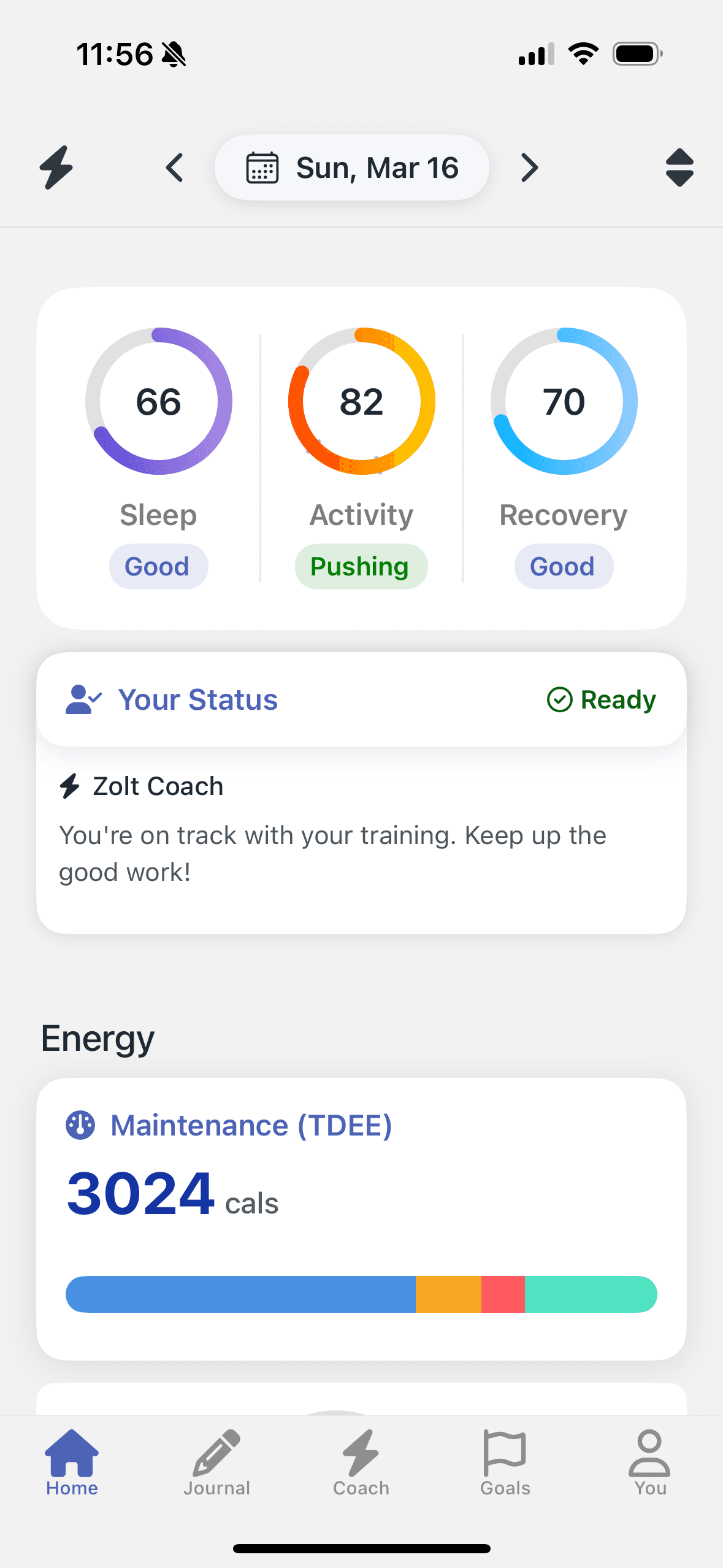
For serious health and fitness optimization, apps like Zolt offer more comprehensive monitoring. Beyond basic movement tracking, you gain insights into sleep quality, recovery metrics, dynamic calorie needs based on actual metabolism, and integrated nutrition tracking—a supercharged version helping you understand not just what happened, but why it matters and what actions to take.
Frequently Asked Questions
Are there any fitness apps that can track activity without an Apple Watch?
Some apps track specific activities (like Strava for runs using iPhone GPS), but most comprehensive fitness apps face identical Apple Health limitations as the default Fitness app.
Is this a bug or intentional behavior?
This represents intentional Apple behavior, confirmed by Apple Support. It's designed to prevent conflicting data between devices.
Will unpairing my Apple Watch delete my fitness data?
No, historical fitness data remains in the Health app. However, you'll need to re-pair your watch to continue accessing watch-specific features.
The Bottom Line
Apple's decision making iPhone fitness tracking dependent on Apple Watch pairing remains frustrating but intentional. No perfect workaround exists. You'll need to either remember your watch, temporarily unpair it when needed, or accept occasional fitness data gaps.